Information Technology Services is here for all of your technology needs. Check out our knowledge base for technology articles, or open a helpdesk ticket to get technology help.


Help Desk
805-493-3698
HelpDesk@CalLutheran.edu
Media Services
805-493-3820
MediaRequests@CalLutheran.edu
Digital Learning
DigitalLearning@CalLutheran.edu
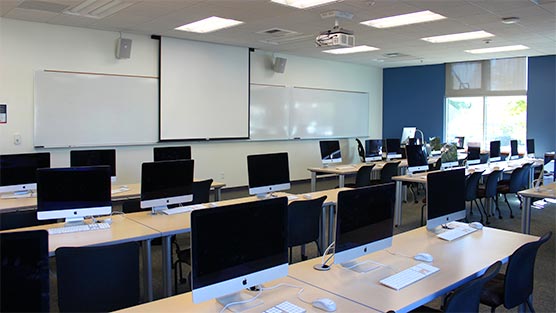
Classrooms & Labs
Find out what equipment is available in our electronic classroom and computer labs at each campus location.
View Equipment
Help Desk
Cal Lutheran Help Desk is the single point of contact for all technology issues, including those related to email and online courses. Contact the ITS Help Desk by phone or email.
Help Desk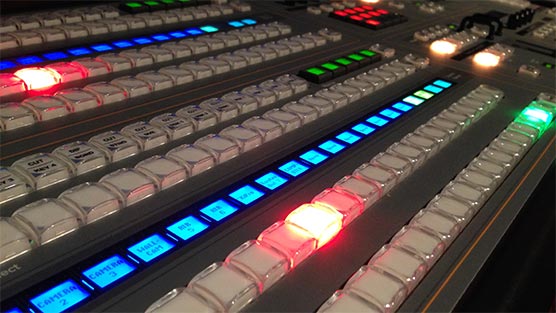
Media Services
Media Services supports and facilitates audio-visual support for classes and special events. We support and provide training for all permanently installed classroom audio-visual equipment.
Media Services